

Contact Steuerpreneure in Kaiserslautern
Monday morning, two screens, one clear workflow.
Contact Steuerpreneure Consulting GmbH to ask about seminars, training, or tool guidance for your team in Germany. The enquiry form is the fastest route, and the details you include shape the quality of the reply.
Monday to Friday, 9:00 AM to 6:00 PM
Send an enquiry
Tell us what you want to discuss, who will take part, and which tools and devices your team already uses. That context helps the team reply about your actual workflow rather than sending a general list.
What to include
What to write in your enquiry
The subject you want to discuss
Name marketing automation, webinar software, or Mac and Windows workflows so the reply starts with the right seminar or guidance.
Team size and participants
A seminar for one person and training for a group need different planning. Add the number of participants and their locations if they are spread across cities.
Tools and devices in use
Mention your CRM, channels, and whether staff work on Mac, Windows, or both. Note whether you are asking about a seminar, group training, or a tool comparison.
After you send it
What happens after you send an enquiry
The team reviews the enquiry and replies with information about seminars, timing, or tool guidance. The reply addresses the topic, format, and next step for your team. If further information is needed, it will ask for it directly. Keep the enquiry reference from the confirmation so follow-up messages stay connected.
Online participation is the standard route for seminars and training across Germany. Mention your location in the enquiry if scheduling across time zones or travel needs attention.

Your setup
Mention the devices your staff work on
Workflows are taught for the machines people actually use. Say whether your team works on Mac, Windows, or both, and where a workflow slows down.

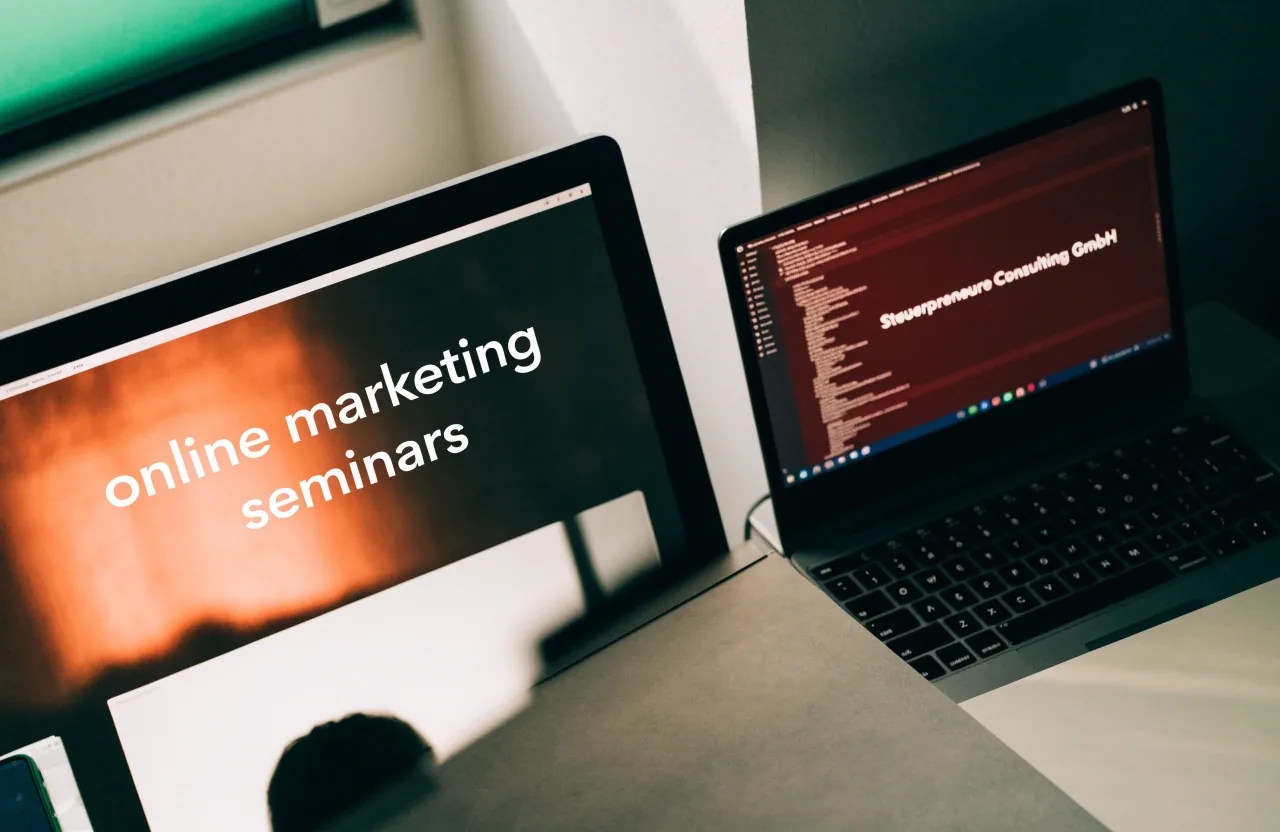
Two kinds of enquiry, one clear reply
Enquiries about seminars should mention the preferred topic and the number of participants. Tool guidance enquiries work best with a shortlist or a description of the current workflow, including your CRM, your channels, and where data currently gets stuck.
View seminars and training
Seminar and training enquiries
A team comparing Salesforce Pardot, Brevo, Emarsys, Marketo Engage, or Optimizely Campaign can say so directly. A team planning webinar training can mention live, automated, or recorded formats.
Tool guidance enquiries
Questions about Sessions, WebinarIgnition, or Hubstaff can be included in the same message. The reply will address fit and integration rather than sending a general list.
Privacy and data handling
Your details are used to reply
The enquiry form collects the details you provide so the team can reply. Those details are handled under the Privacy Policy, linked in the site footer on every page. Requests about data can be sent through the same contact route.
If you are ready, the form above is the fastest route. If you want background first, the FAQ page covers the questions teams ask most often before they write.