Steuerpreneure Consulting GmbH
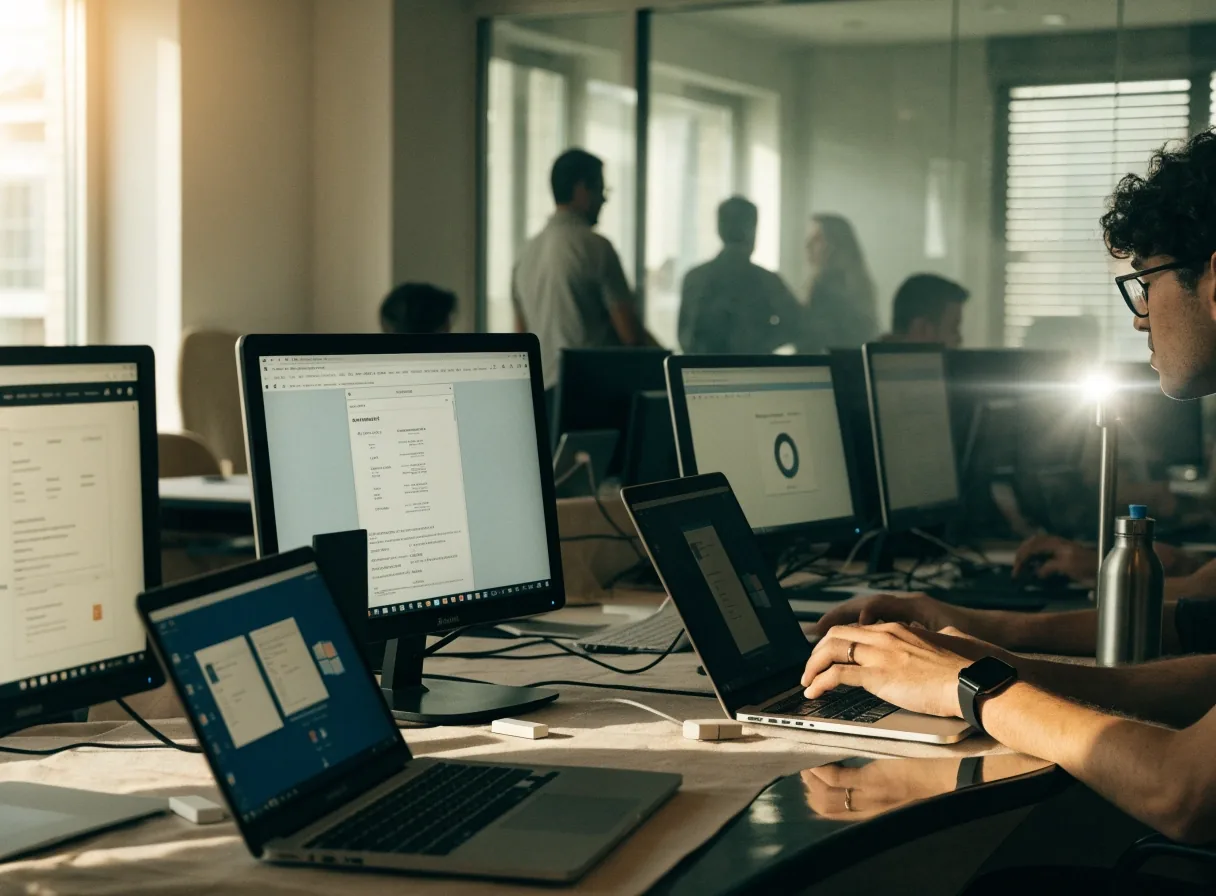
Two lit screens side by side on a seminar desk in warm daylight
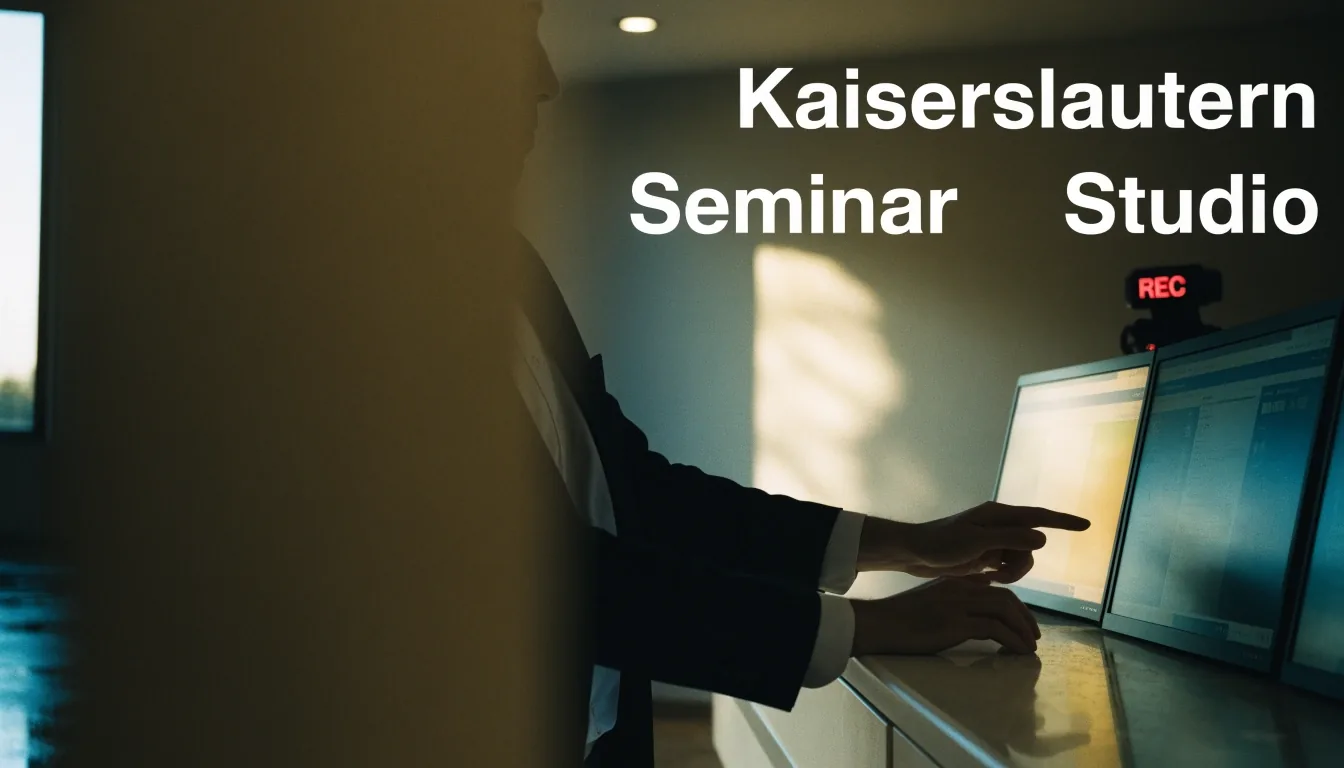
Seminar studio — Kaiserslautern

Mac and Windows app workflows that work together

Monday morning, two screens, one clear workflow. Many teams in Germany work on Mac and Windows at the same time, and the friction shows up in small daily steps.

This page covers cross-platform apps for webinars, demos, time tracking, and marketing work, with attention to CRM integration and file handling — so the workflow does not change when a team member switches machines.

Send a workflow enquiry

Starting point

The mixed-device reality

A marketing team may have Mac laptops for design, Windows desktops for reporting, and a mix of machines at home. Tools that run on only one system create workarounds, extra training, and support questions.

Cross-platform support should be checked early, before a tool becomes central to a campaign. The platforms discussed here are chosen with that check in mind: can the same task be finished on a Mac at the desk and on Windows at home, with the same files, the same recordings, and the same result in the CRM?

WebinarsDemosTime trackingDaily marketing work

The queue

Tools that carry the same workflow on both systems

Sessions

Demo automation with Sessions

Sessions is presented as an all-in-one platform for webinars, workshops, and demos. It includes a Chrome extension plus Mac and Windows desktop app support, which covers the two systems most teams use. Recording, editing, auto captions, and CRM-synced analytics are part of the offer. Personalised landing pages and password protection help sales and training teams share a demo without a live call.


Ask about training
WebinarIgnition

Webinar funnels with WebinarIgnition

WebinarIgnition is listed as a platform for professional live and automated webinar funnels. It appears in Germany webinar software comparisons and suits funnel-based lead generation. The workflow question is how registrations, reminders, and recordings move between the webinar tool and the CRM. A team that runs webinars weekly should test that path before committing to a schedule.

Read the discussion
Hubstaff

Time tracking with Hubstaff

Hubstaff is included in Germany productivity software listings and is used to measure team time and productivity trends. It runs on Mac, Windows, Linux, iOS, and Android, which makes it a useful example of cross-platform coverage. Remote and hybrid teams use it for operational visibility across devices. The seminar discussion covers how time data supports planning without becoming a surveillance exercise.

See it in a session
Empty seminar room at twin desks in daylight
Kaiserslautern seminar room — twin desks, left daylight

In the studio

The same room, the same routine — whichever machine is on the desk

In our seminars we set up the tools live on both systems, so the team sees where a workflow holds and where it needs a different file, a different export, or a different owner for the next step.

Side by side

Two desks, one routine

The same demo, recorded and exported from either side of the desk.

Close view of a lit laptop and hands typing
Mac side. Design, editing, and recording work where the desktop app and the browser extension meet. The test is whether the same demo can be recorded, captioned, and exported without moving the file by hand.
Close view of a lit screen and hands on a keyboard
Windows side. Reporting, CRM work, and time tracking run in the same browser and desktop apps, so a colleague can take over a campaign without learning a second set of steps.

Handover test

Can a colleague take over without a second set of steps?

That is the question both desks are set up to answer.

Viewpoint

CRM integration as the connecting step

CRM integration links webinar registrations, demo views, and campaign activity to contact records. That link decides whether a sales team can see what a prospect watched or attended. Marketing automation platforms such as Salesforce Pardot, Emarsys, and Marketo Engage are discussed in that context.

The integration test should happen with real data before a rollout, not after. Register a test contact, attend a test session, watch a test demo, and check what the contact record shows on both a Mac and a Windows machine.

  • 01Registrations and reminders arrive in the CRM with the marketing source attached.
  • 02Demo views and recordings are linked to the contact, not stored only in the demo tool.
  • 03Exports work on both systems, so reporting does not depend on one colleague's machine.

Productivity tools for daily marketing work

Daily work includes email, scheduling, file sharing, and reporting, and each tool should run acceptably on Mac and Windows. Browser-based tools reduce device issues, while desktop apps help with recording and file-heavy tasks. The guidance here favours tools with clear cross-platform support and documented export options. That approach protects a team if a vendor changes its roadmap.

Browser first

Email, scheduling, and reporting in the browser keep the routine the same on Mac and Windows.

Desktop where it counts

Recording, editing, and file-heavy tasks benefit from a desktop app that is available on both systems.

Trainer demonstrating at a desk in a seminar session
Seminar session — shared setup, shared knowledge

Choosing a workflow that holds up

A workflow that holds up has a short list of tools, a clear owner for each step, and a test with real data

Add a seminar or training session where the team needs shared knowledge rather than individual trial and error. Contact the team with the devices, tools, and CRM you already use. The reply can then address the actual setup in Kaiserslautern and across Germany.

Address

Steuerpreneure Consulting GmbH, Altes Forsthaus 3, 67661 Kaiserslautern, Germany.

Hours

Monday to Friday, 9:00 AM to 6:00 PM.

Contact

Phone +49 631 2199656, email [email protected].