
Steuerpreneure Consulting GmbH
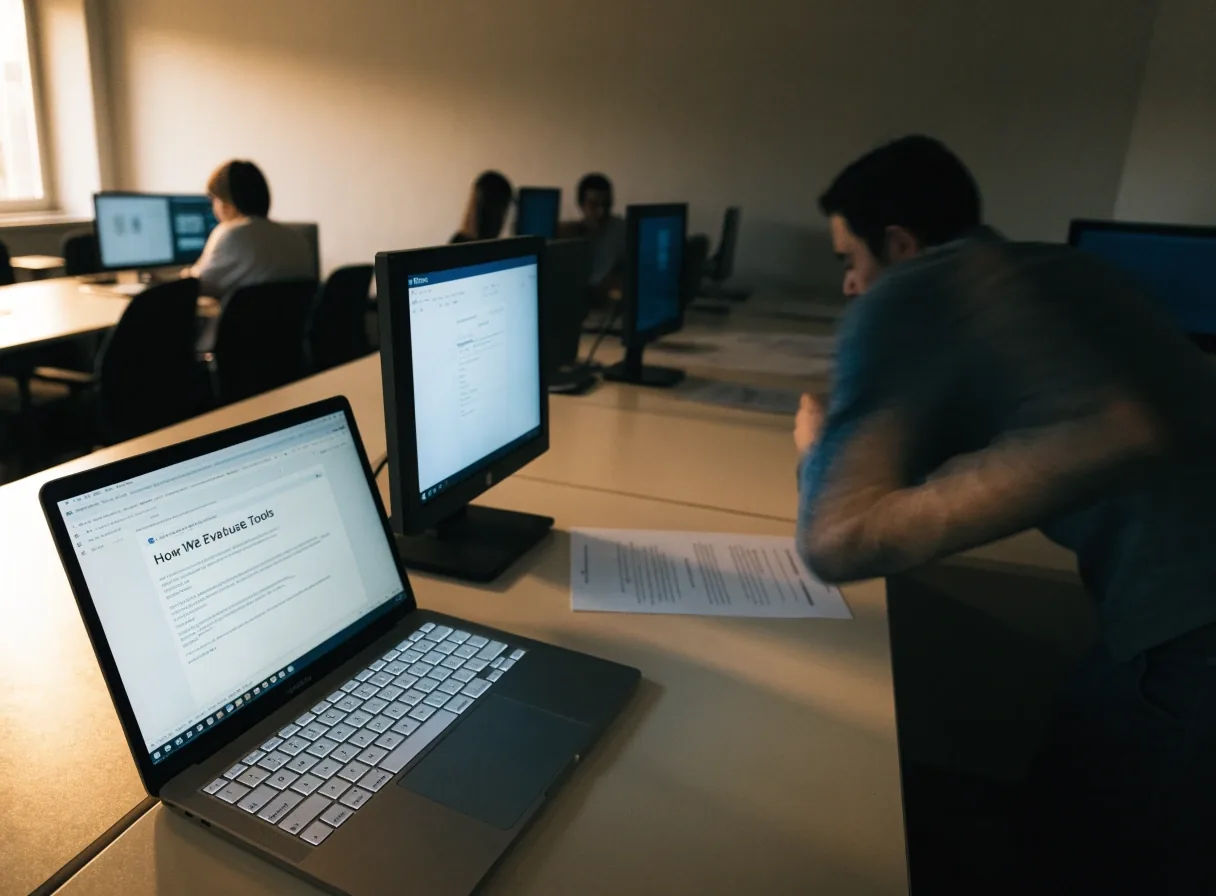
Seminar desk with two lit screens and presenter hands in warm studio daylight

Kaiserslautern · Recorded seminars · Taught from zero

How we evaluate marketing and webinar tools

Monday morning, two screens, one clear workflow.

Steuerpreneure Consulting GmbH evaluates tools by workflow fit, integration, pricing transparency, and support for German businesses.

The criteria on this page show how Salesforce Pardot, Optimizely Campaign, Emarsys, Brevo, Marketo Engage, Sessions, WebinarIgnition, and Hubstaff are discussed in seminars. You can use the same criteria when you compare two platforms on your own.

Bring a tool shortlist to us

Work through them in order

The queue we work down, every time

A feature list alone rarely settles the choice. These checks, in this order, keep the comparison honest — from the first workflow sketch to what the routine looks like six months later.

Workflow first

Start with the workflow, not the feature list

Evaluation begins with the current workflow and the points where it slows down or loses data. A team that repeats product demos on live calls has a different need from a team that runs automated webinars. The workflow map shows which step a tool should improve and which steps should stay unchanged — that order prevents a feature list from driving the decision.


Team fit

Fit by team size and structure

Fit depends on team size, channel mix, and how campaigns are approved. Brevo suits many small and mid-sized teams that want email, SMS, and WhatsApp in a single workspace. Emarsys and Marketo Engage suit larger teams with structured campaign operations and governance needs. Salesforce Pardot suits B2B teams that need lead scoring and sales handoff discipline. Naming the fit early narrows the shortlist quickly.

CRM & analytics

Integration with CRM and analytics

CRM integration is a central criterion because contact data must move cleanly between marketing and sales. Sessions offers CRM-synced analytics for demo views, which is a concrete example of that link. Marketing automation platforms are checked for how they sync segmentation, scores, and campaign results. Analytics integration matters for the same reason, since reports should show activity without manual exports.

Mac & Windows

Cross-platform support on Mac and Windows

Tools are checked for Mac and Windows support, including desktop apps, browser extensions, and mobile apps where relevant. Sessions covers both systems through a Chrome extension and desktop apps. Hubstaff covers Mac, Windows, Linux, iOS, and Android for time tracking. A tool that fails the cross-platform check creates training and support costs that a feature list does not show.

True cost

Pricing transparency and total cost

Pricing transparency means a team can estimate the cost of the channels and volume it actually uses. Enterprise platforms such as Emarsys and Marketo Engage require a closer look at edition limits and contract terms. Smaller platforms such as Brevo allow a more direct comparison of messaging volume and workspace features. The evaluation records the assumptions behind each estimate so the comparison stays honest.

German business

Support for German business needs

German businesses need clear handling of consent records, data storage, and invoicing. Evaluation includes how a tool documents opt-ins, manages data exports, and supports German-language communication with customers. Webinar software is checked for registration data handling and recording retention. Those points matter even when a platform is strong on features.

Live & automated

Webinar and demo criteria

Webinar platforms are evaluated on live delivery, automated runs, reminders, recordings, and landing pages. WebinarIgnition is discussed for live and automated funnels in lead generation. Sessions is discussed for demos with recording, editing, auto captions, and password protection. The format that fits the goal wins, whether the goal is training, sales support, or lead generation.

After six months

Long-term value and maintenance

A tool that works in a trial may still create maintenance work in campaigns, data cleanup, and reporting. Evaluation looks at how templates are reused, how segments are maintained, and how reports are built over time. Optimizely Campaign is discussed in that context for campaign execution and optimisation workflows. The question is what the routine looks like after six months of use.

Empty seminar room at the twin desks in daylight

The studio in Kaiserslautern, between sessions

Compare on the desk, not in the brochure

Put two candidates side by side on your own workflow: same contact data, same channel mix, same devices. What differs then is real. What disappears is the feature list talking you into work you do not need.

One team, two systems

Check the tool on the Mac and on Windows

Hands typing on a lit laptop on the Mac side of the desk
Mac side — desktop app, browser and shortcuts as your team uses them
Hands on a keyboard beside a lit screen on the Windows side of the desk
Windows side — the same workflow, the other desk

Cross-platform support is tested where the work happens: desktop apps, browser extensions, and mobile apps where relevant. A tool that only runs properly on one system quietly splits your team — and that split shows up as training and support costs later.

Reviewer comparing two lit screens with a notebook at hand
Side-by-side comparison, with the workflow in front of you

Kaiserslautern team · Mon–Fri 9:00–18:00

How to bring your shortlist to us

Bring the workflow map, the tool shortlist, and the devices and CRM your team uses. The contact page starts that conversation with the Kaiserslautern team. A seminar can also cover the criteria with a group, so several stakeholders hear the same comparison — that shared base makes the final choice easier to defend inside the business.

  • Your workflow map and current pain pointsPrepare
  • The two or three tools you are comparingShortlist
  • Mac and Windows devices, plus your CRMContext

Steuerpreneure Consulting GmbH, Altes Forsthaus 3, 67661 Kaiserslautern, Germany · [email protected] · +49 631 2199656 · Monday to Friday, 9:00 AM to 6:00 PM