Steuerpreneure Consulting GmbH
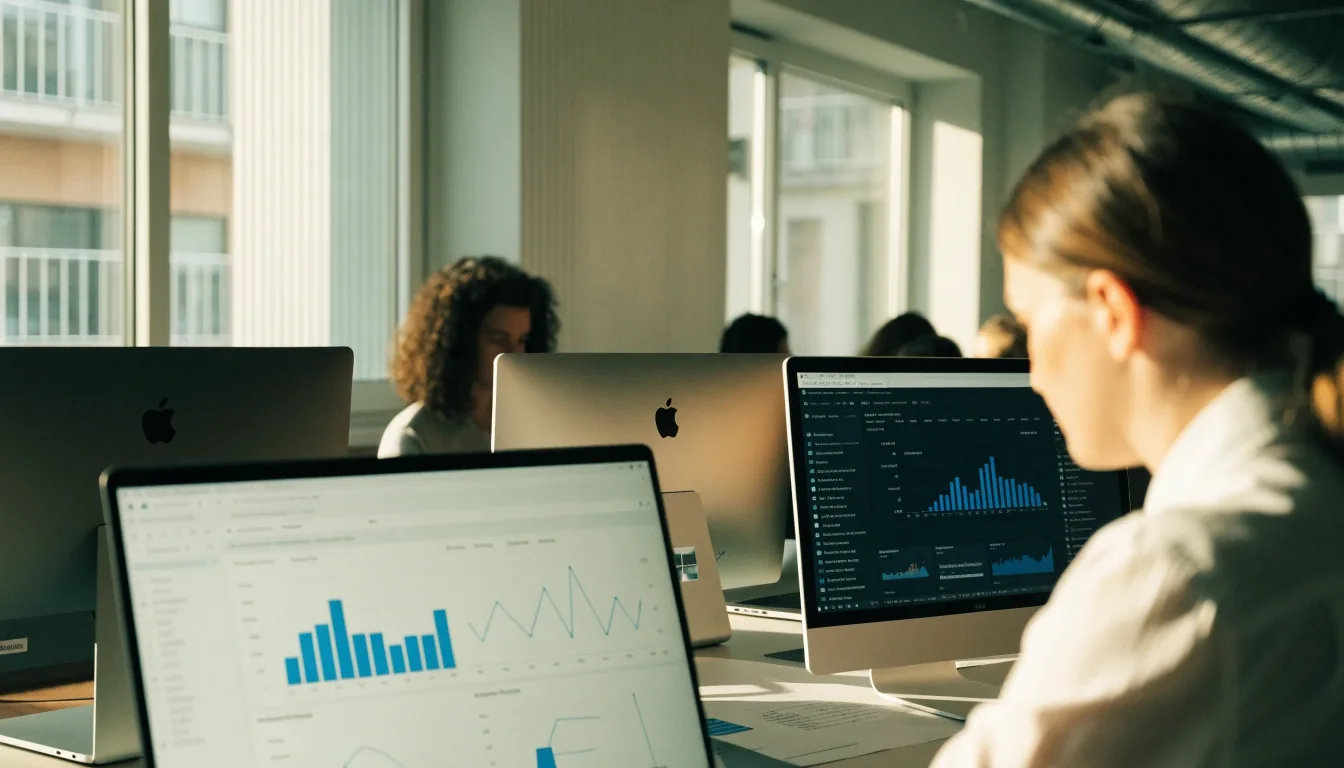
Seminar desk with two lit screens and presenter hands in warm daylight
FAQ — Studio Queue

Frequently asked questions about seminars and tools

Monday morning, two screens, one clear workflow.

Short answers on seminar participation, tool recommendations, Mac and Windows compatibility, and contacting Steuerpreneure Consulting GmbH. Each answer points to the page where the topic is covered in more detail.

Ask a question via contact

Answers in order

Find your question by the work it is about

Start with who the seminar is for, then work through the tool choice, the webinar format and the device question. If your case does not fit any row, the contact route at the end of this page is the fastest way to a specific answer.

Attend

Who can attend a seminar

Anyone working in online marketing, sales, training, or business ownership can attend a seminar that matches their workflow. Sessions are delivered online to participants across Germany, with the company based in Kaiserslautern. No prior platform experience is required for introductory topics. Advanced sessions assume familiarity with campaigns, CRM records, or webinar delivery — so check the level on the Seminars and Training page before you book a place.


Small team

Which marketing automation tool fits a small German team

Small and mid-sized teams often start with a platform that centralises email, SMS, and WhatsApp in one workspace, such as Brevo. The right choice depends on segmentation needs, CRM integration, and messaging volume. A seminar can compare Brevo with Salesforce Pardot, Optimizely Campaign, Emarsys, and Marketo Engage for that context. Bring your team size and channel mix to the discussion — that detail changes the recommendation more than any feature list. The criteria behind the comparison are set out in How We Evaluate Tools.

Webinar

What should a webinar platform support

A webinar platform should support registration, reminders, live delivery, automated runs, recordings, and CRM updates. WebinarIgnition is discussed for professional live and automated webinar funnels. Sessions is discussed for webinars, workshops, and demos with recording, editing, auto captions, and CRM-synced analytics. The format should match the goal, whether that goal is training or lead generation — a training room and a sales funnel ask different things of the same tool.

Devices

Which tools work on Mac and Windows

Sessions includes a Chrome extension plus Mac and Windows desktop app support. Hubstaff runs on Mac, Windows, Linux, iOS, and Android. Browser-based marketing tools generally run on both systems through the browser. Checking desktop support early avoids friction in a mixed-device team, and it is worth confirming before a rollout rather than after. The device-by-device walkthrough is on the Mac and Windows App Workflows page.

Integrations

What integrations matter most

CRM integration matters most where marketing activity must reach sales, such as webinar registrations and demo views. Analytics integration matters where campaign results must be reported without manual exports. Customer segmentation depends on both links working with clean contact data. Test the integration with real records before a full rollout — a small test with genuine records shows the gaps that a feature list never mentions.

Format

Live or automated seminar formats

Live seminars suit topics where questions and comparison drive the learning, such as platform choice or rollout planning. Automated webinars suit repeatable topics, such as a standard product demo or onboarding lesson. Recorded demos suit prospects who want detail on demand. The seminar page explains how each format is used, so you can judge which one fits the question you actually have.

Storage

Local-first or cloud-only apps

Local-first apps keep files on the device and suit teams that want direct control over storage. Cloud-only tools sync across devices and suit distributed teams. Neither approach is the default for every team, and the choice affects recordings, analytics, and CRM sync. Naming the preference before choosing a tool prevents a disruptive switch later, when recordings and contact histories have to move.

Empty seminar room at twin desks in daylight

The studio between sessions — Kaiserslautern

Two screens, one workflow — most device questions are settled before the seminar starts

If your team carries both a Mac and a Windows machine, say so in your enquiry. That single detail decides which desktop app, which extension and which recording path the seminar will walk through, so the session you join matches the desk you will sit at on Monday.

Mac and Windows

Check desktop support before the rollout

Hands typing at a lit laptop on the Mac side of the desk
Mac side — desktop app and browser tools

Sessions runs on Mac through its desktop app and Chrome extension; Hubstaff covers Mac alongside other systems. Browser-based marketing tools run in the browser on both platforms.

Hands on a keyboard at a lit screen on the Windows side of the desk
Windows side — same tools, same queue

Windows support mirrors the Mac side for the tools discussed in the seminars. In a mixed-device team, confirm both sides early so nobody is left waiting for a compatible build.

Short questions

Two questions that come up most often

Is the company in Kaiserslautern?

Yes, at Altes Forsthaus 3, 67661 Kaiserslautern, Germany, with online delivery across Germany. The Kaiserslautern address is the company base; seminars themselves are delivered online, so distance does not decide whether you can attend.

Do you recommend a single tool for every team?

No. Recommendations depend on team size, channels, CRM, and whether staff use Mac, Windows, or both. A small team sending email and WhatsApp from one workspace has different needs from a larger team running automated webinar funnels — the seminar compares the options against your setup instead of naming one winner for everyone.

How to contact the team

A clear enquiry gets a more useful reply

Use the contact page with the topic, team size, and devices your staff use. The team replies with information about seminars, training, and tool guidance. Working hours are Monday to Friday, 9:00 AM to 6:00 PM.

Steuerpreneure Consulting GmbH
Altes Forsthaus 3, 67661 Kaiserslautern, Germany
[email protected]
+49 631 2199656

Still comparing tools? Read the tool evaluation criteria before you write — it shows exactly what details make the reply specific.

Quiet seminar desk with a lit screen and coffee cup in late light

Late session at the desk — office hours Monday to Friday, 9:00 AM to 6:00 PM